Businesses in Squamish and North Vancouver operate in distinct communities, but they share a common online challenge: customers need to understand the business quickly before they call, visit, request a quote, or make a booking.
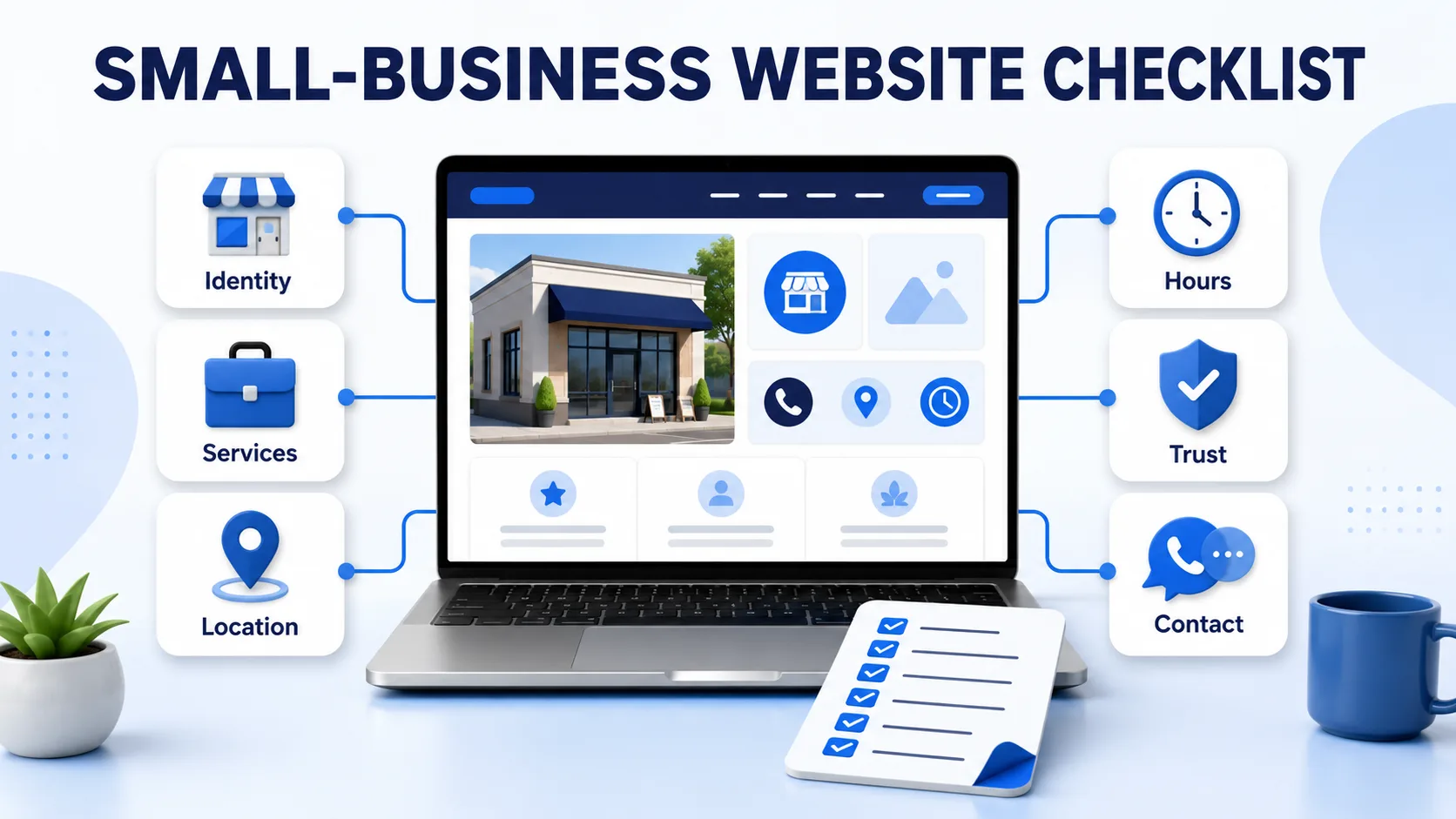
This checklist is designed for local owners who want a useful, maintainable online presence. It is not a promise of search rankings. It is a practical way to make public business information clearer for customers and easier for digital systems to interpret.
1. Confirm the public business identity
Use the business name customers actually encounter on signs, invoices, vehicles, and other public channels. Add a specific category and a short description that explains the principal activity without slogans.
A strong description answers three questions: What does the business provide? Who is it for? Where is it available?
For example, “A locally owned service business” is vague. “Residential landscaping and seasonal property maintenance for homes in Squamish” is much more useful.
2. Describe the real operating area
A storefront, a home-service business, and a remote professional practice should not describe location in the same way.
- Customer-facing location: publish the complete address, accessibility details, parking or arrival instructions, and accurate opening hours.
- Service-area business: identify the communities or postal areas routinely served and explain travel conditions where necessary.
- Appointment-only business: state that clearly so customers do not arrive unexpectedly.
- Remote service: explain whether service is limited to British Columbia, Canada, or another genuine area.
Do not add Squamish, North Vancouver, or nearby communities merely to attract searches. Location information should describe real operations.
3. Separate important services
A single paragraph listing ten services forces customers to interpret too much. Give each major service its own title and description. Explain what is included, who it is suitable for, the service area, likely timing, and how pricing is determined when that information can be published responsibly.
Service descriptions should use the language customers use. Internal trade terms can be included when helpful, but they should not replace a plain explanation.
4. Keep hours and availability honest
Local businesses often have seasonal schedules, weather-related changes, appointment-only periods, or different office and service hours. Publish the schedule a customer can rely on and identify exceptions clearly.
If a business accepts enquiries at any time but responds only during office hours, distinguish those two facts. “Open 24 hours” can create the wrong expectation when it only refers to an online form.
5. Make the next step obvious
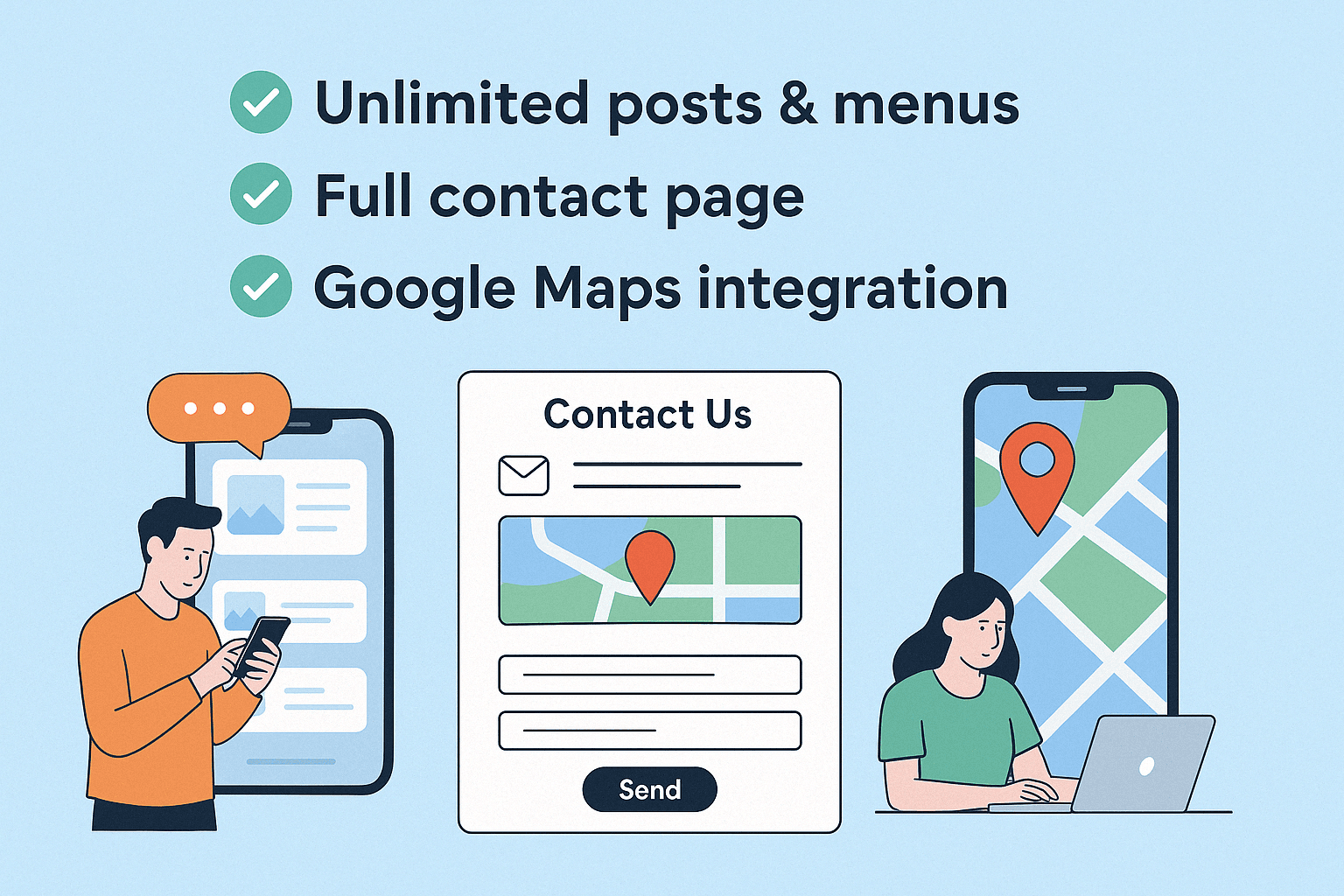
Choose contact options the business actually monitors. A customer should not have to guess whether to call, email, send a message, request a quote, or book.
Helpful contact information can include:
- a public business phone number in a clear format;
- a monitored email or contact form;
- booking instructions and cancellation expectations;
- the information needed for a useful quote request; and
- expected response times when they can be stated accurately.
6. Show appropriate evidence
Customers may want to see completed projects, current credentials, team expertise, images, external reviews, press mentions, or answers to common questions. Publish only information the business has the right to share.
For credentials, follow the issuing organization’s rules and avoid uploading licence documents or images that contain private, sensitive, or easily misused identifiers. A verified public source link is often more appropriate than a document image.
7. Review the mobile experience
Someone searching between appointments, from a job site, or while travelling may use a phone. Check that text is readable, buttons are easy to tap, menus open properly, images do not overlap, and contact actions work without zooming.
Mobile quality is not only a design concern. It determines whether a customer can complete the practical task that brought them to the page.
8. Check consistency across public sources
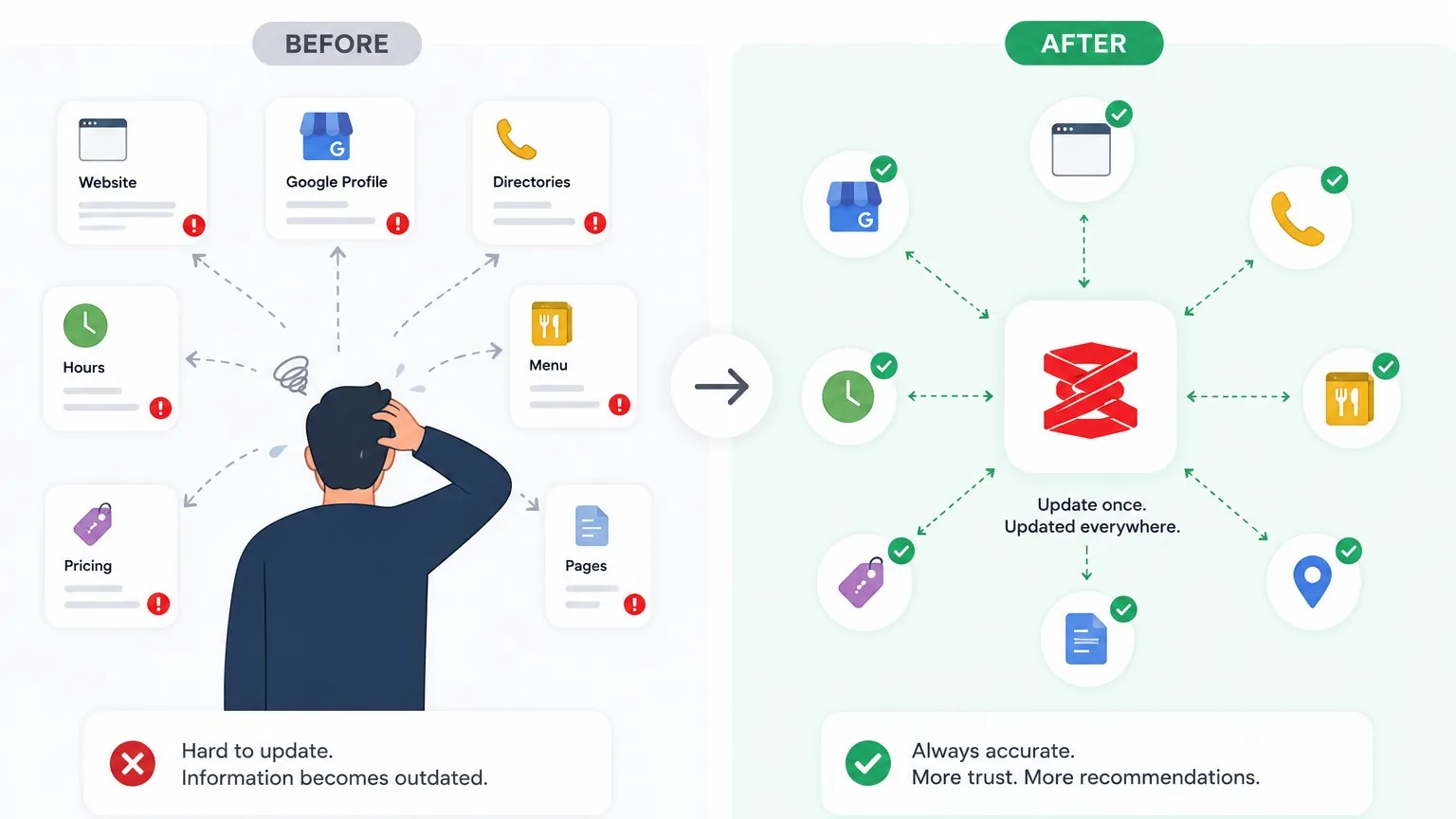
Compare the business name, address, phone number, hours, website link, service area, and main offerings across the website, business profiles, social accounts, and major directories the business actively maintains.
Perfect word-for-word duplication is unnecessary. Factual contradictions are the real problem. If one source says the business serves Squamish and another says only North Vancouver, customers cannot know which one is current.
9. Publish local pages only when they add local value
A business with distinct locations, teams, services, or operating instructions may need separate location pages. A business with no meaningful difference should not create dozens of pages that simply swap one community name for another.
Useful local content can explain an actual service boundary, introduce a real location, answer regional questions, or document work completed in the community—with permission where required.
10. Schedule the next review
An online presence is not complete forever. Set a review date and check the most changeable information first: hours, availability, staff, services, prices or pricing descriptions, booking instructions, and contact channels.
Seasonal businesses in the Sea-to-Sky corridor may need to review information before each operating season. Others may find a quarterly review sufficient.
A clear local presence starts with accurate information
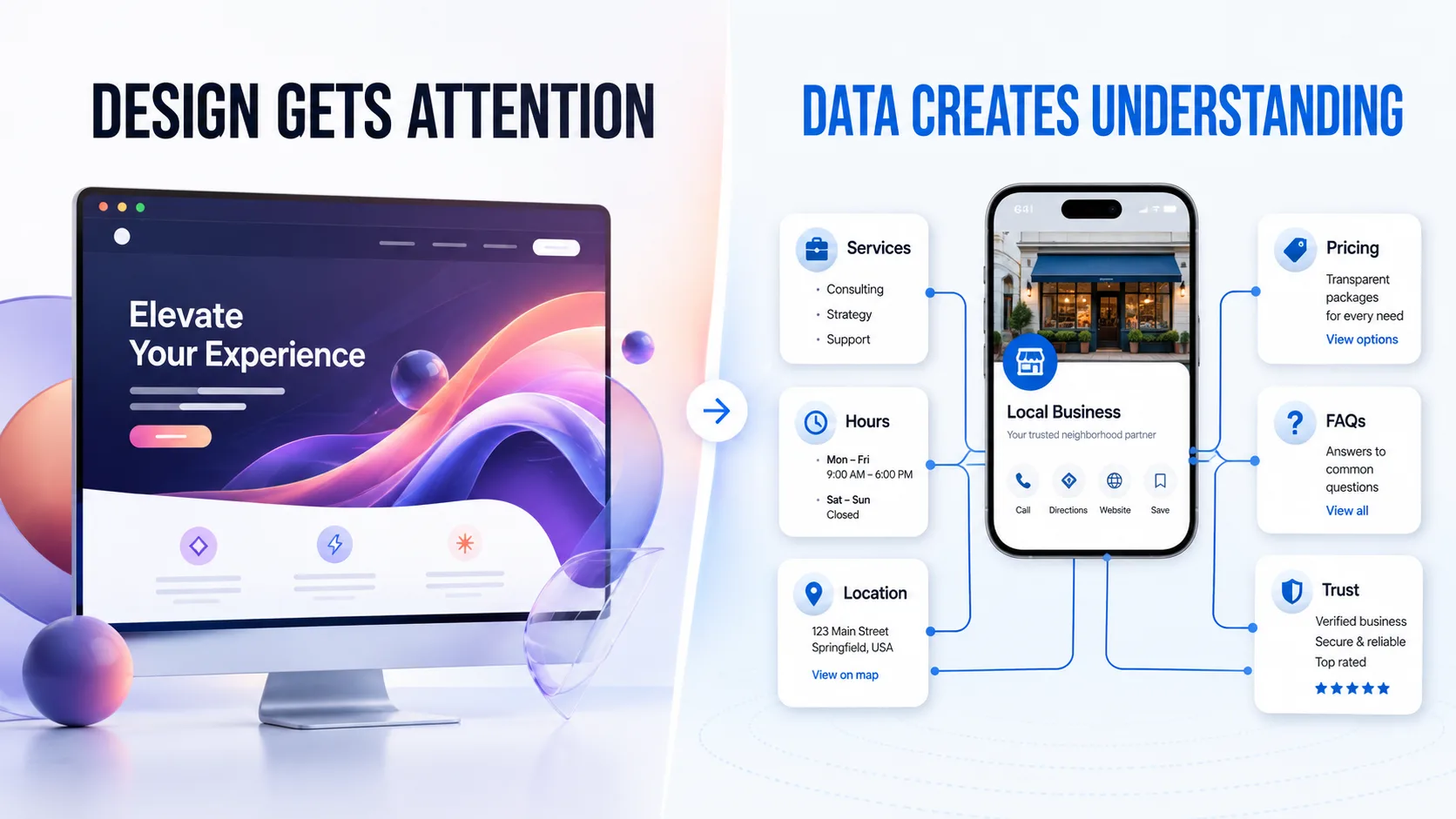
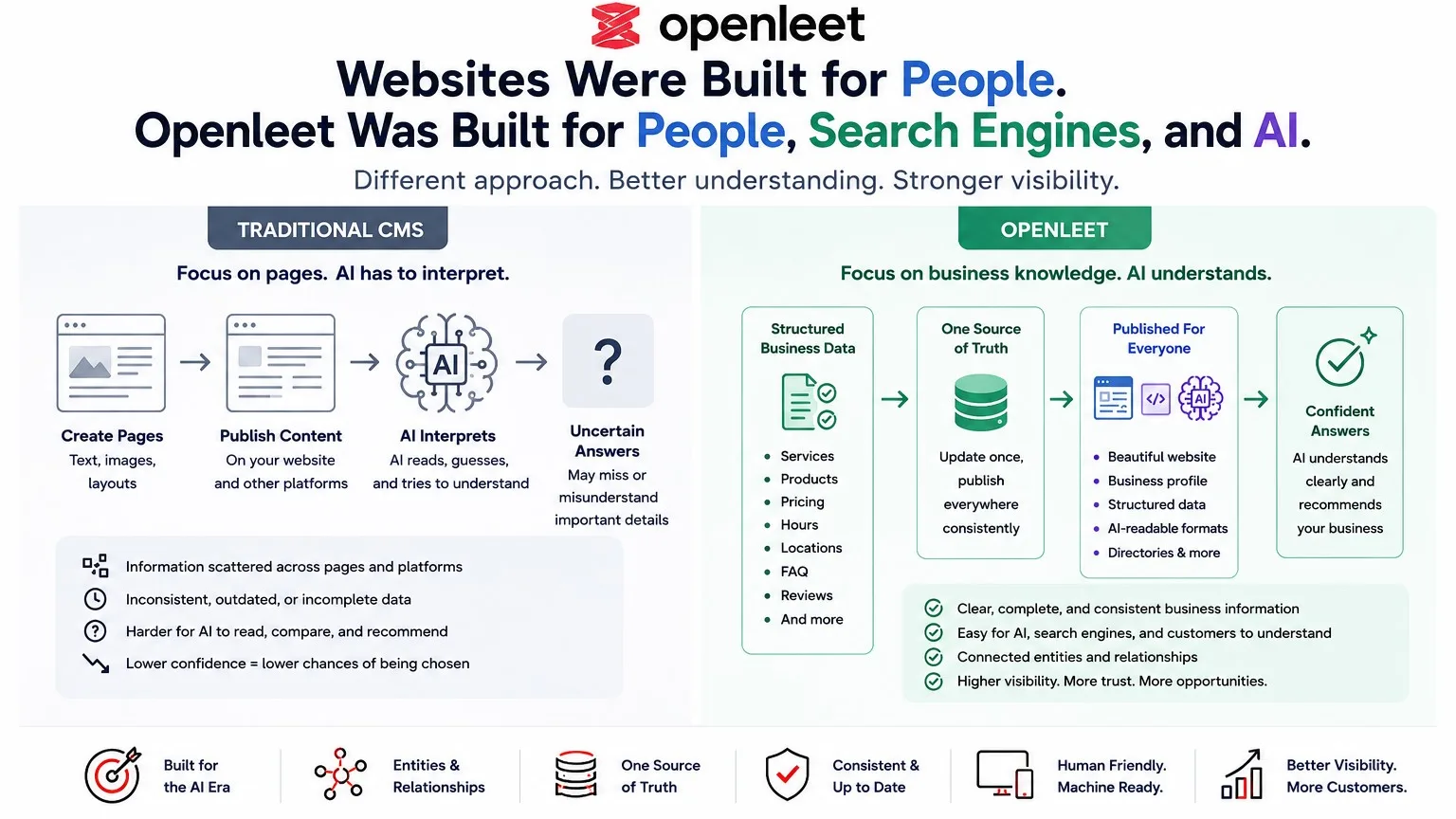
The most useful online presence is not necessarily the one with the most pages. It is the one that answers real customer questions and remains accurate.
Openleet is currently concentrating its local work on Squamish and North Vancouver. Businesses can explore the directory, follow the profile setup guide, or create a profile to organize their public information in one place.